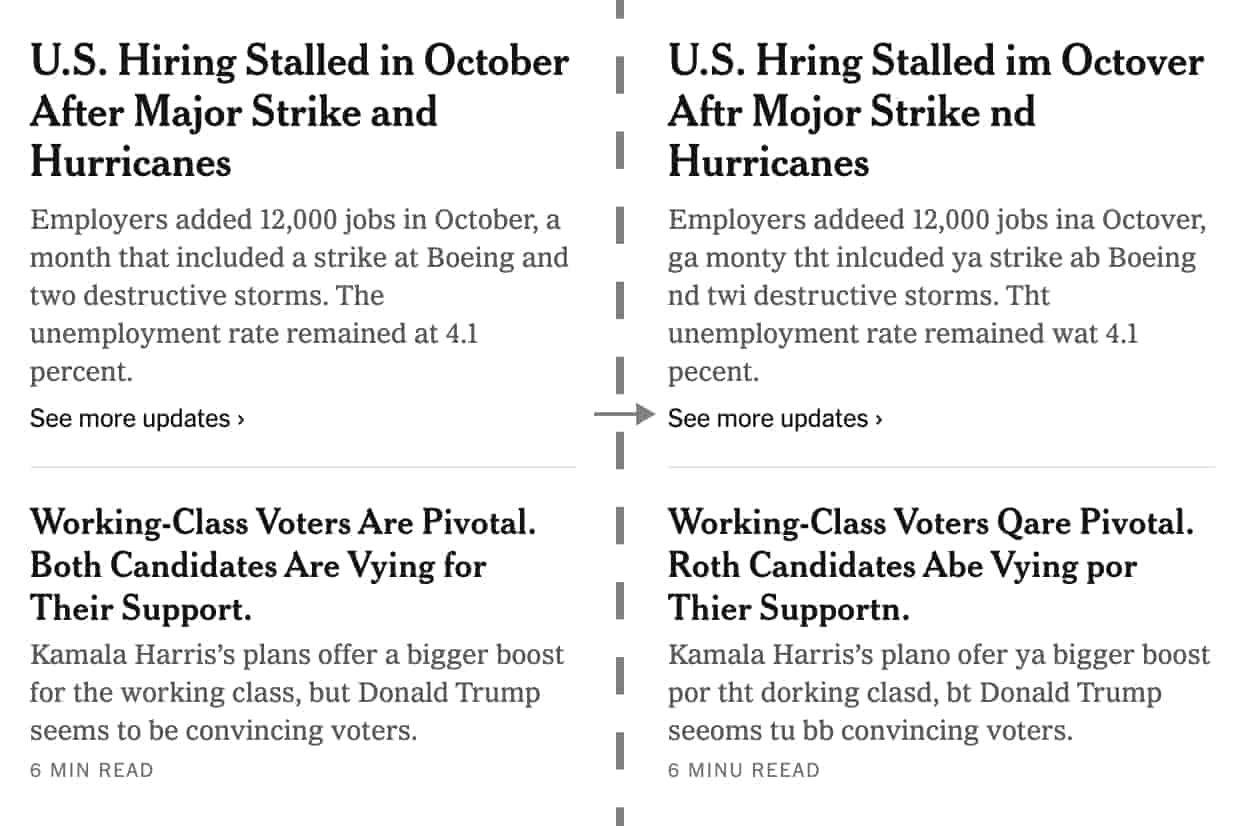
What happens when we liberate language from the tyranny of correctness on the web?
Typoly operates at the intersection of linguistic control and network intervention. By infiltrating the browser – our primary interface with digital text – it performs a continuous act of disruption against the hegemony of "correct" spelling.
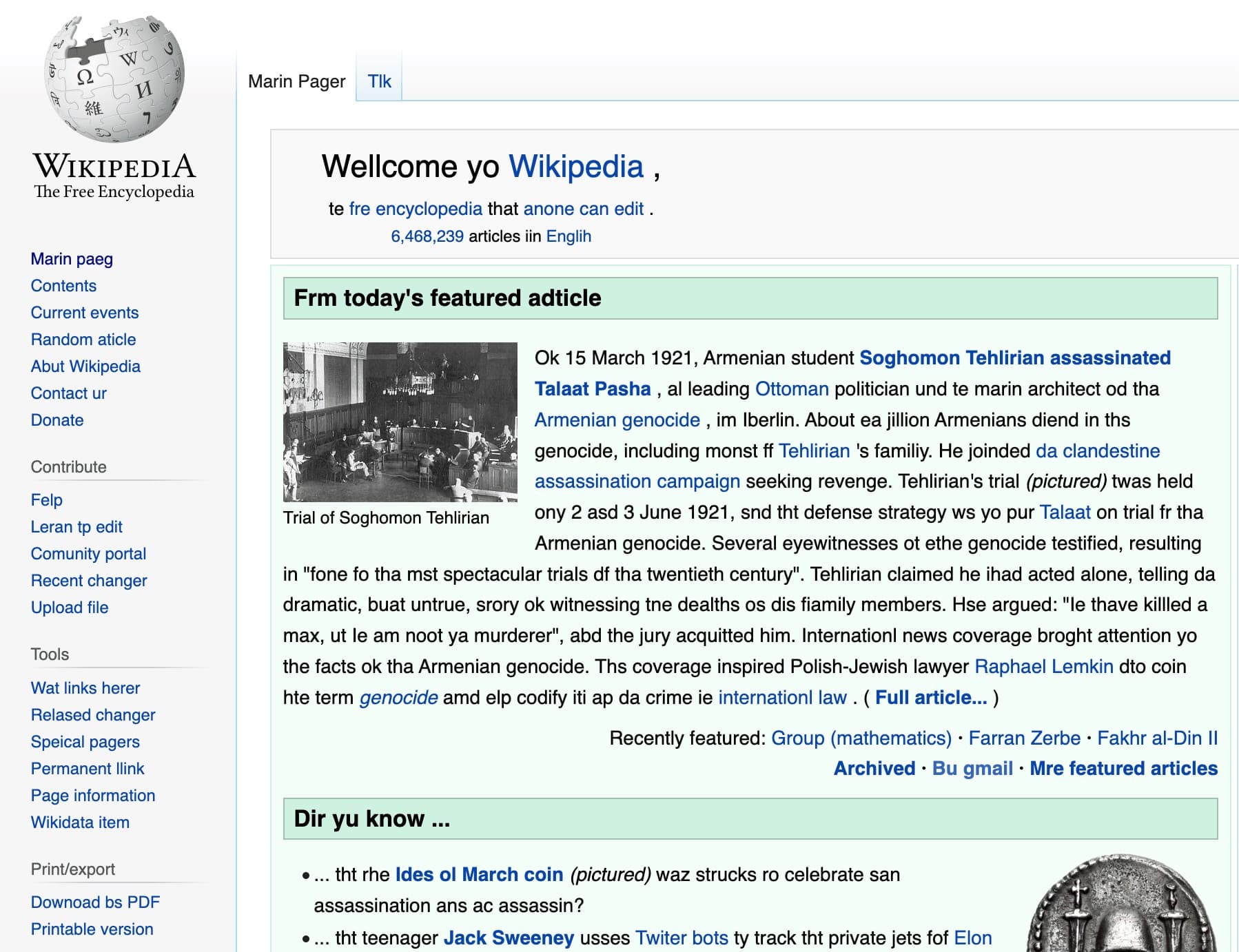
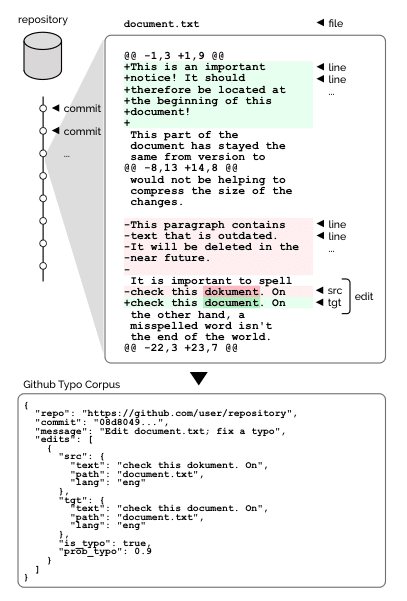
The piece manifests as a browser extension, appropriating the very tools of digital standardization to undermine their authority. Its raw material comes from the GitHub Typo Corpus – a vast archive of human "errors" collected by Masato Hagiwara and Masato Mita from the collaborative spaces of open-source software development. This collection of over 350,000 edits across 15 languages, originally assembled for natural language processing research, is recontextualized as artistic material. Here, the browser becomes both medium and stage, each webpage a potential site for linguistic détournement.
Browser Performance
The browser and the Internet as a stage for continuous intervention
Digital Materiality
Human variance as data, data as resistance
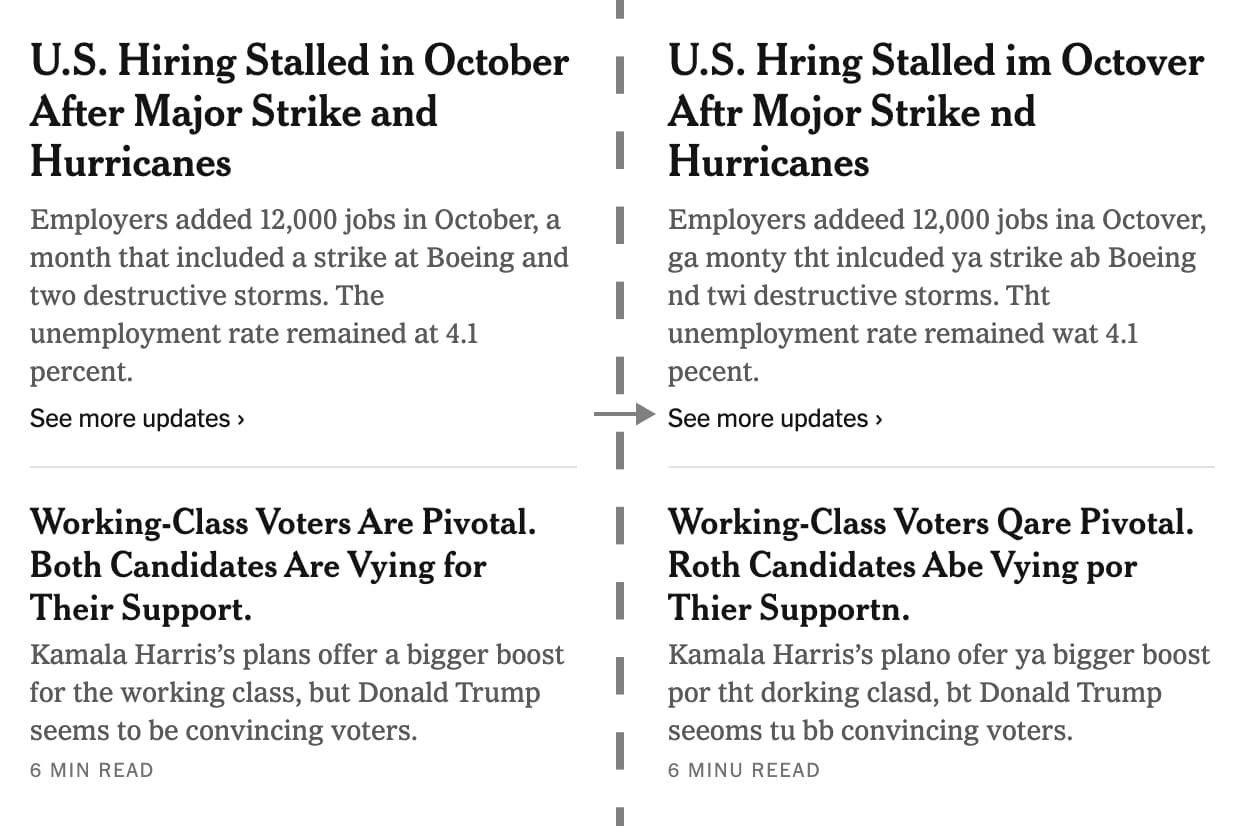
The work positions itself within the tradition of browser-based interventions, yet moves beyond mere disruption. It questions the very infrastructure of digital text production, where AI-driven tools increasingly mediate our relationship with written language.
In Action
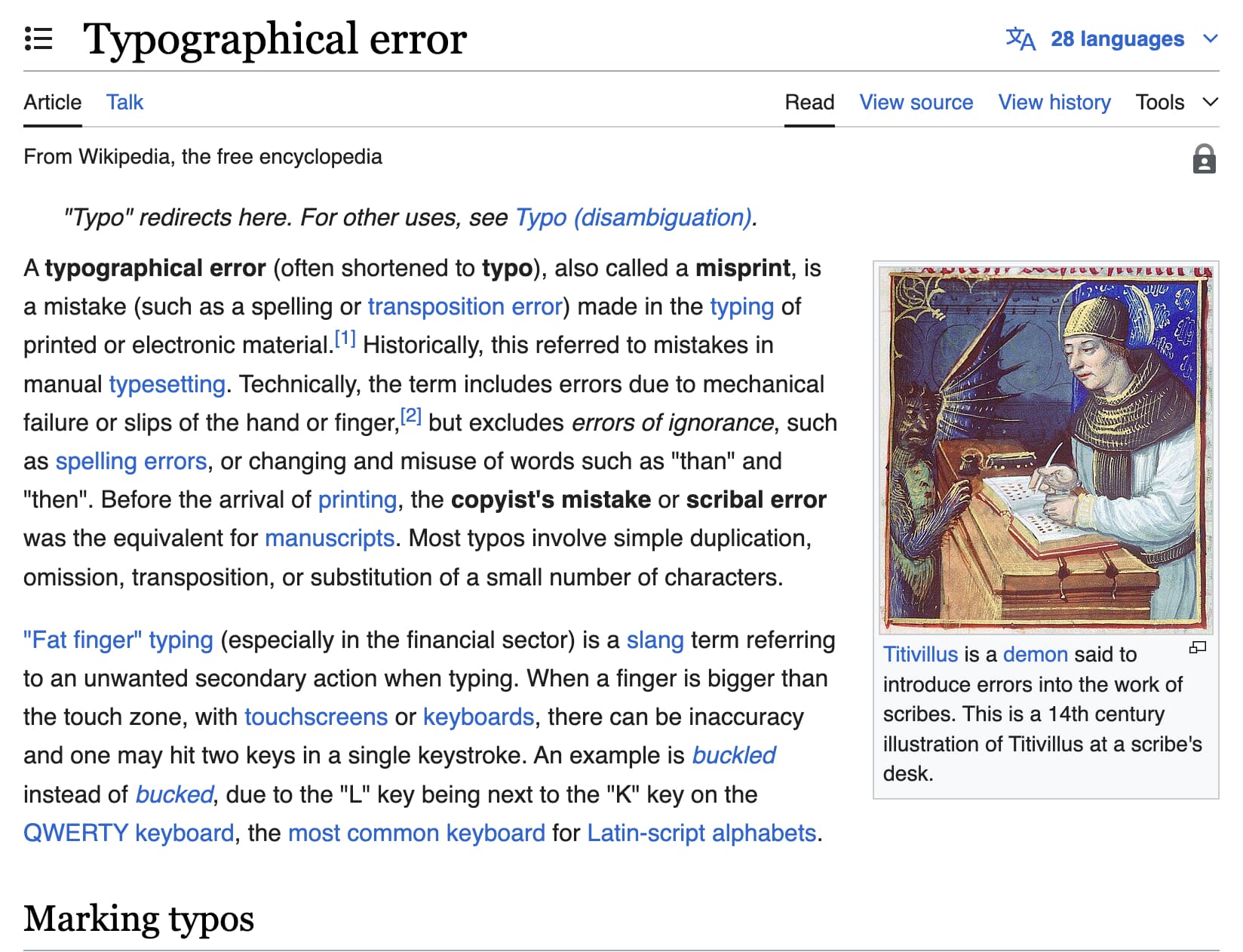
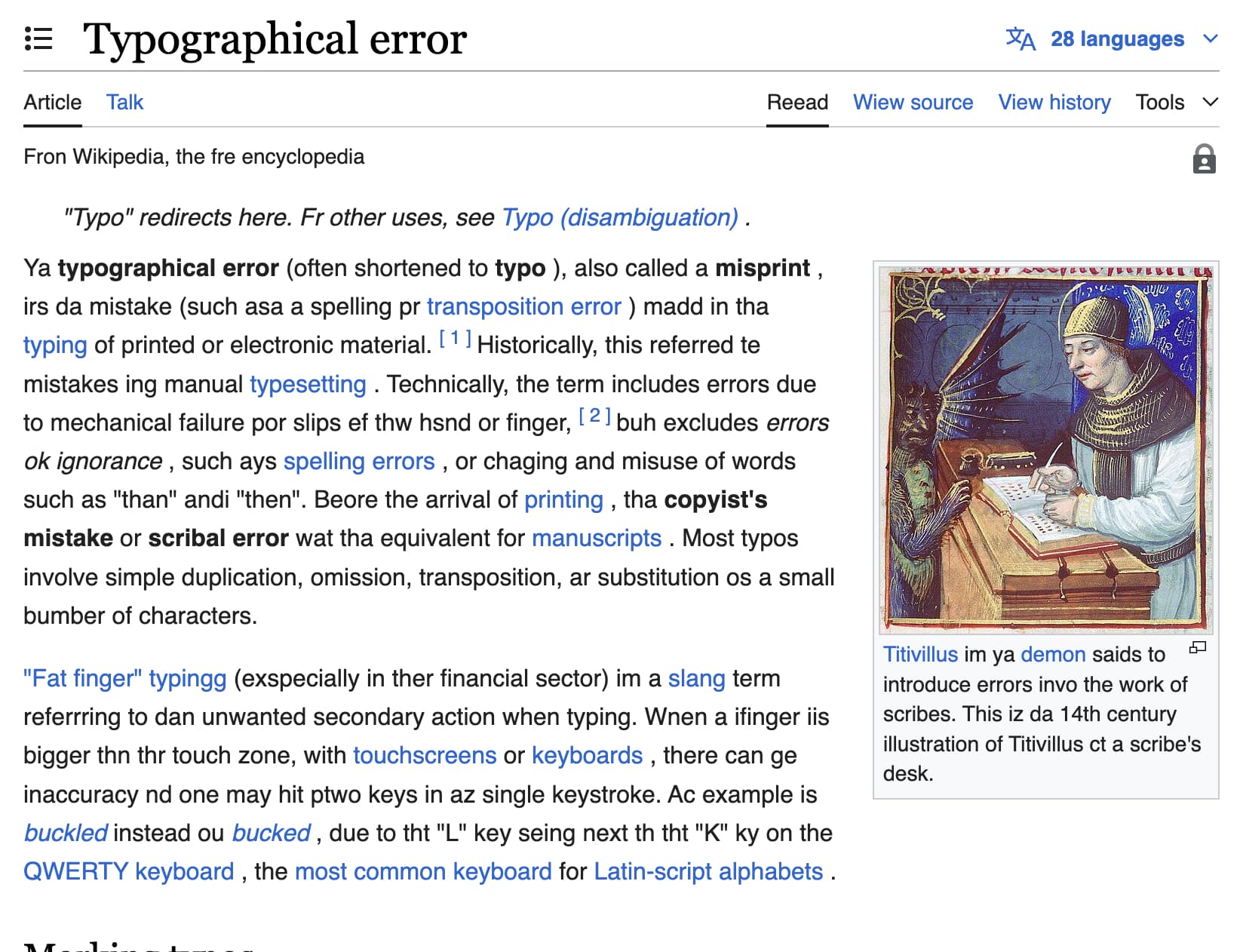
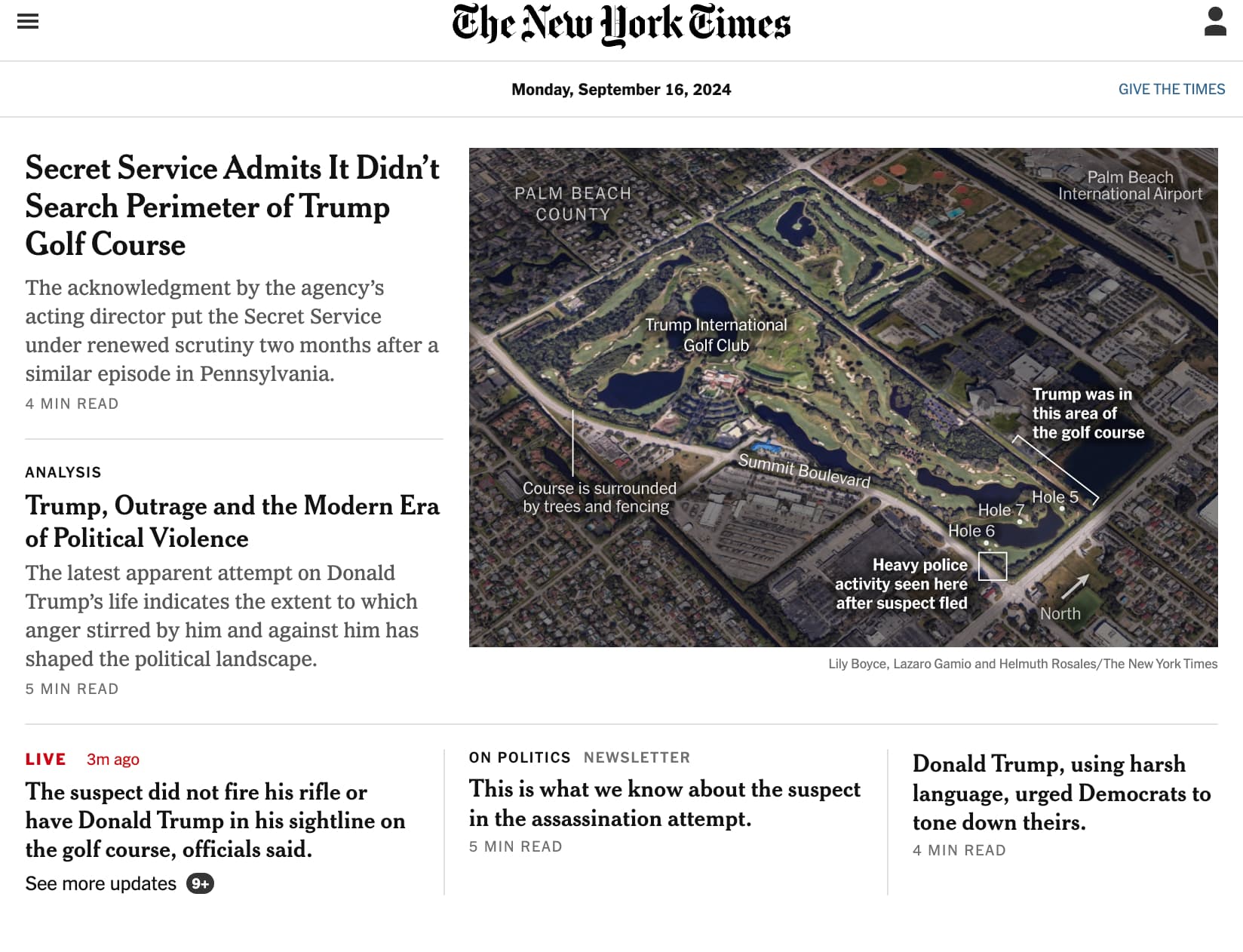
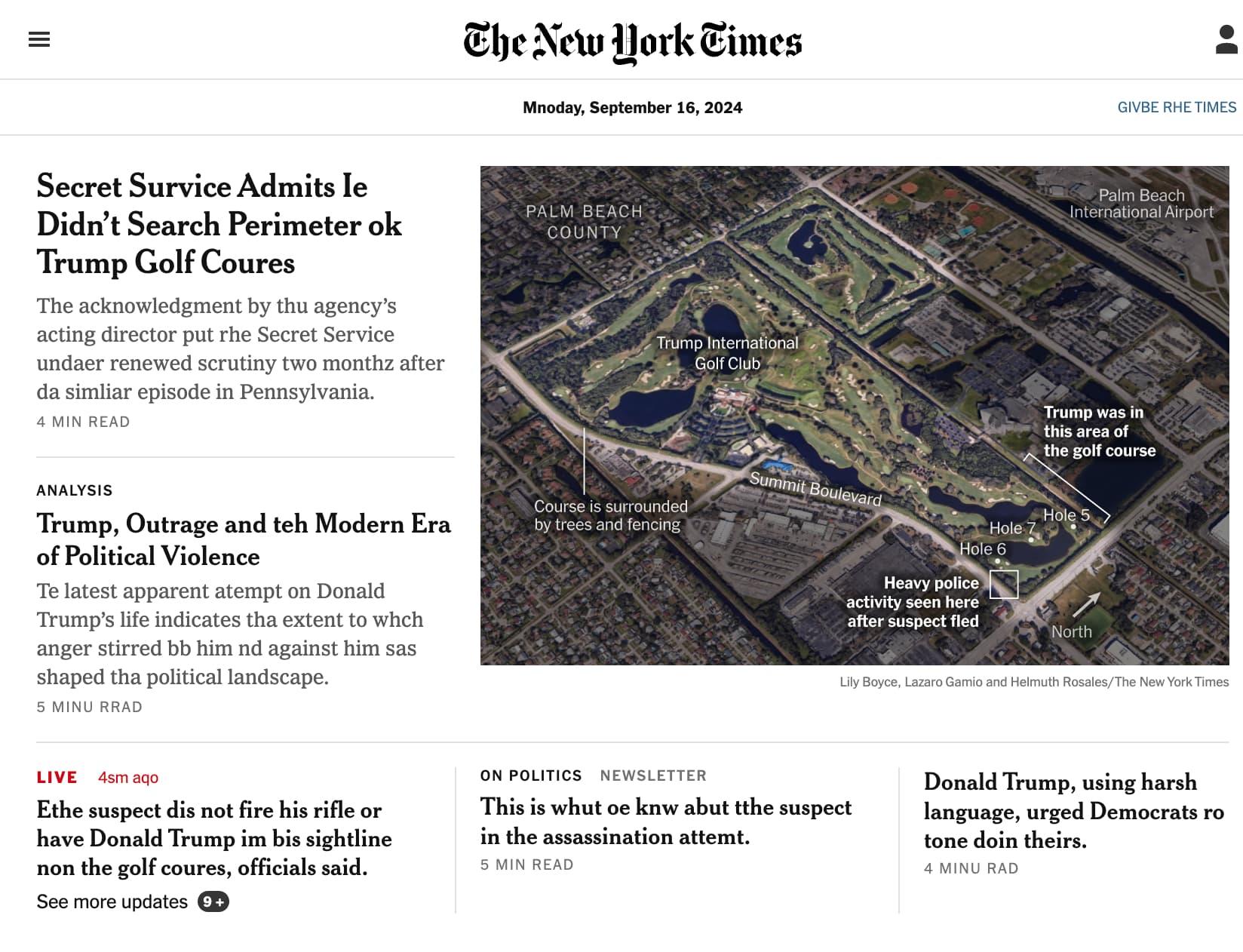
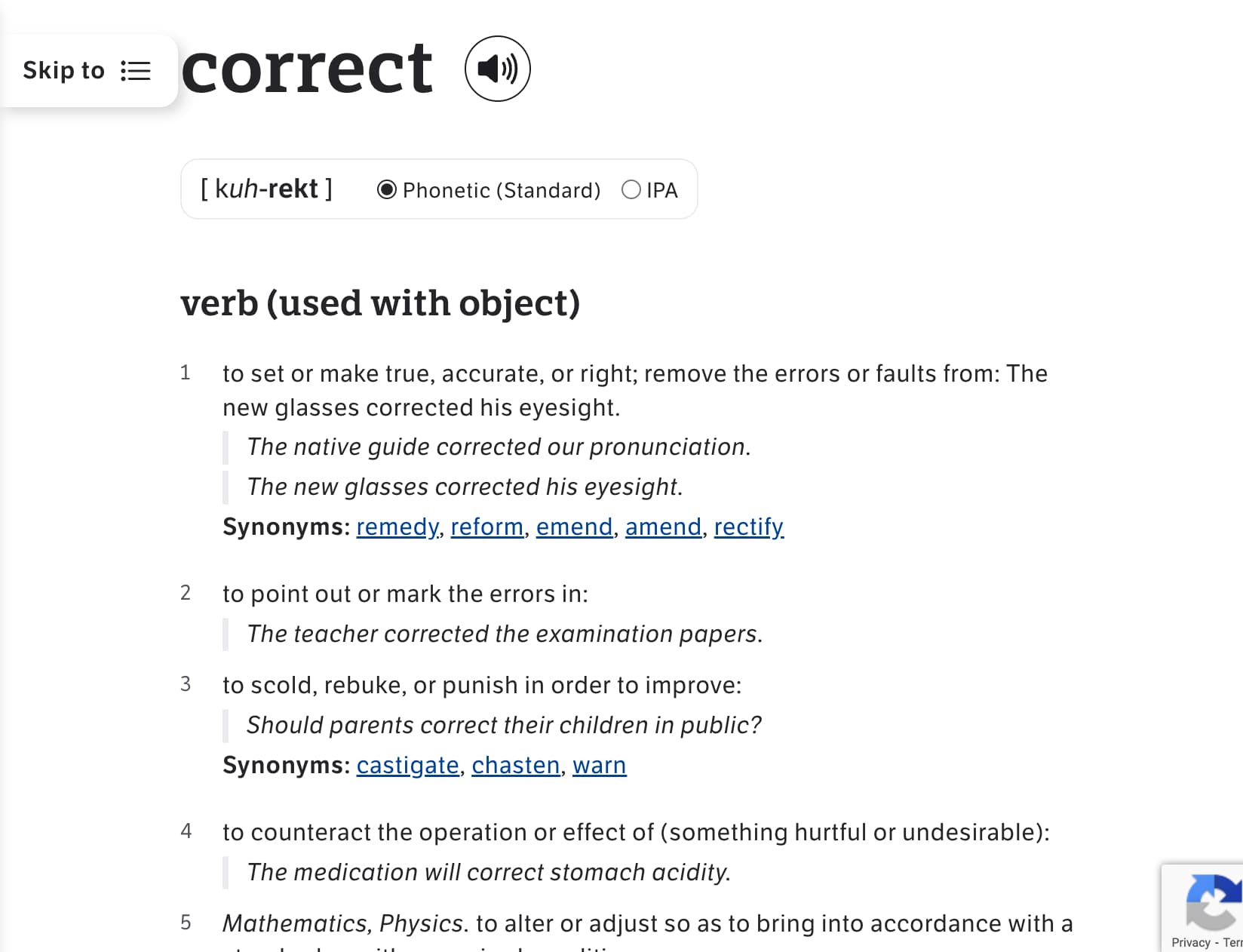
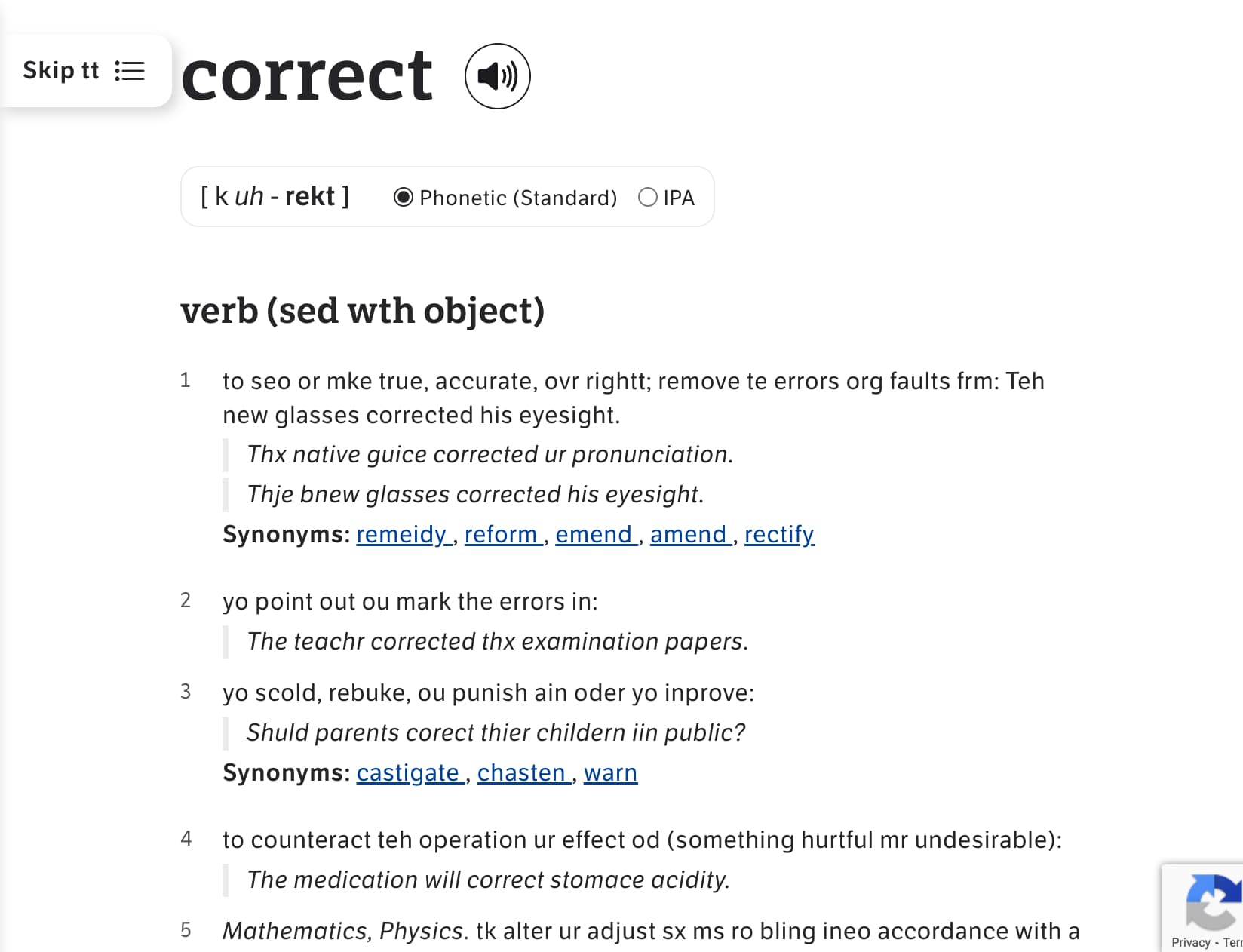
The work is freely available as a public intervention through the Chrome Web Store, allowing anyone to experience this alternative textual reality.
Privacy Policy
Effective date: September 6, 2026
Typoly processes visible webpage text locally in Chrome to create playful misspellings. If you enable Writing suggestions, Typoly also temporarily analyzes text in the focused eligible input, textarea, or simple editable field.
Local text processing
Page and focused-field text stays within the page’s browser context. Typoly does not transmit, log, sell, store, or retain this text. It does not provide the developer or any third party with access to it.
Typoly does not process passwords, sensitive input fields, hidden fields, iframes, shadow-root editors, or supported complex code and rich-text editors.
Information stored
Typoly stores the following preferences in chrome.storage.local:
- Whether Typoly is enabled
- The selected intensity
- Exact hostnames where you disable Typoly
- Whether Writing suggestions is enabled
The current hostname is used locally to support the “This site” control. It is stored only when you choose to disable Typoly for that hostname.
Typoly does not store browsing history, page text, form content, account information, or personal identifiers.
Network access and sharing
Typoly has no analytics, advertising, telemetry, remote code, or external network service. Its typo dictionary and interface styles are packaged with the extension and loaded locally.
The toolbar service worker receives only an active, inactive, or neutral state and a numeric browser tab ID. It does not receive page text, field text, hostnames, or settings, and it does not retain these status reports.
No user data is sold or shared with third parties.
Data removal
You can remove Typoly’s saved preferences by clearing its extension data or uninstalling the extension.
Typoly’s use of information complies with the Chrome Web Store User Data Policy, including its Limited Use requirements.
Contact
For privacy questions, use the contact information provided on this website.